Support Desk
Contact, warranty and quote forms for your site, every request kept in one private inbox, a customer portal, and an optional contact bubble with live chat.
What it does
| Part | In one sentence |
|---|---|
| Forms | Three ready forms (Contact, Warranty Registration, Quote Request) that you put on pages of your site, with your own extra fields and file attachments if you want them. |
| Requests | Every submission is saved as a request first, then emailed: nothing is lost when an email does not arrive. |
| Teamwork | Assign a request to a colleague, set its status, write notes only staff can see. |
| Replies | Answer by email in your own design, or in a live chat, with saved replies for answers you give often. |
| Customer portal | Customers see their own requests, answer inside them and open their files. |
| Due dates and rules | Targets for the first reply and for resolving; rules that assign, file and answer new requests and close old ones. |
| Reports and survey | Figures for a period, and customers' answers to "How did we do?". |
| Contact bubble | A small bubble in the corner of your site with the contact form and, when someone of your team is online, live chat. |
| Protection | A built-in "are you human" question, filters and blocked senders keep junk out. |
What you need
- WordPress 6.5 or newer and PHP 7.4 or newer.
- A Support Desk license. Each installation needs its own. Without an active license the forms and chat tell visitors "Online support is temporarily unavailable. Please contact the store directly." and your team cannot work on requests; nothing saved is lost.
- Working email on your site. Support Desk sends through whatever your WordPress already uses (your host's mail or an SMTP plugin); it has no mail server of its own.
- WooCommerce only if you want the contact form to check an order number against real orders.
Where it is
The Support Desk menu in WordPress, or the Support Desk tab in the AffStackDev menu when the Suite is installed. Five areas:
| Area | For |
|---|---|
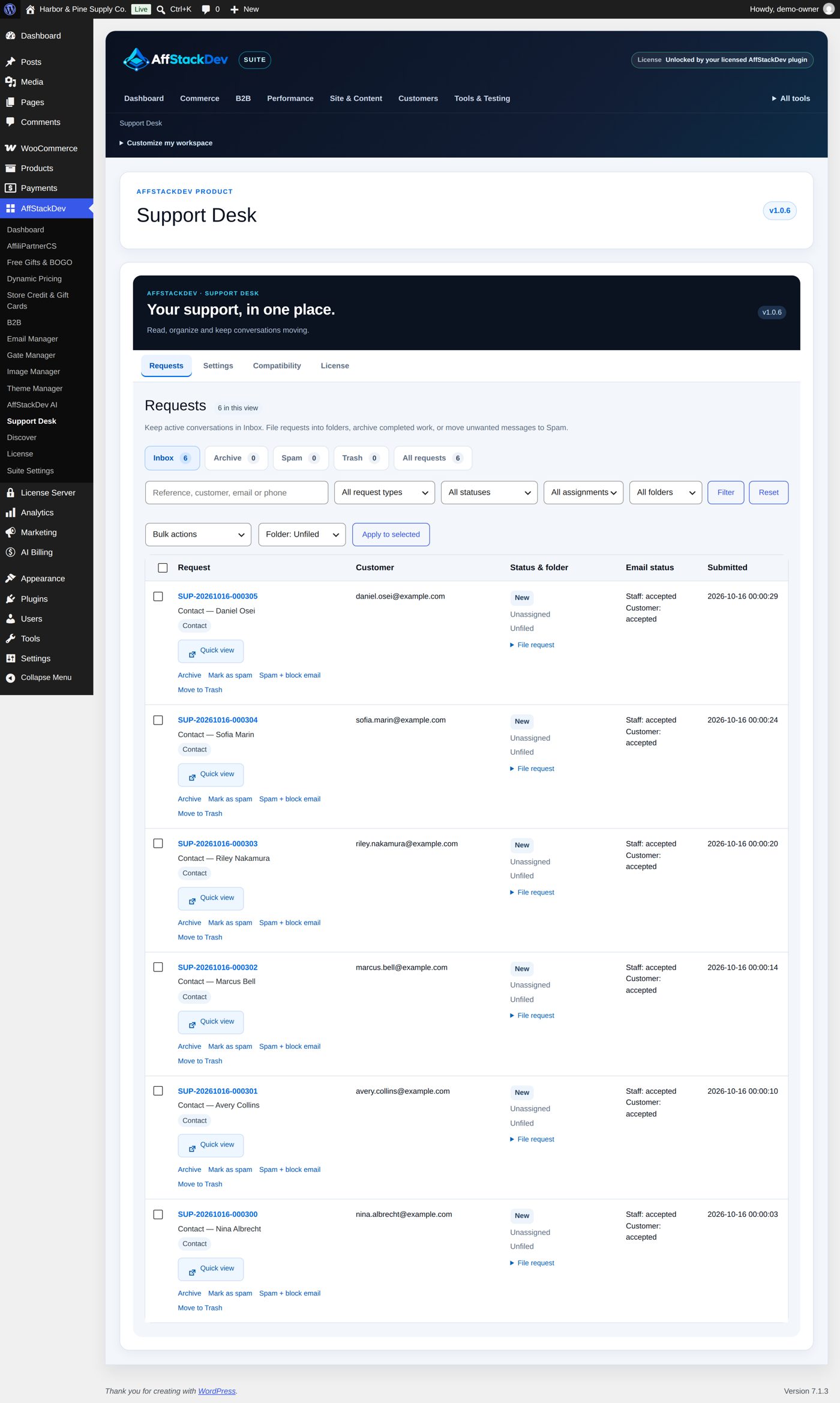
| Requests | The inbox. |
| Reports | Figures for the last 7, 30 or 90 days, or 12 months. |
| Settings | General, Branding & logos, Forms, Your own fields, File attachments, Customer portal, Satisfaction survey, Form appearance, Emails, Contact bubble & chat, Spam protection, Blocked senders, Folders, Saved replies, Due dates, Automatic rules. |
| Compatibility | What your theme and other plugins offer to Support Desk. |
| License | Activate and check the license. |
Who on your team can do what
Administrators can do everything. WooCommerce shop managers can read requests, answer them and export. Anyone else gets exactly the permissions you give their role with a role editor plugin; Support Desk has eight:
| Permission (as a role editor shows it) | Allows |
|---|---|
view_afsd_support |
Open requests, their details, history and files, and Reports. |
reply_afsd_support |
Status, assignment, notes, replies by chat or email, filing, archive, spam, restore. |
delete_afsd_support |
Move to Trash and delete permanently. |
manage_afsd_support |
Blocked senders and the Compatibility screen. |
manage_afsd_support_settings |
Forms, your own fields, file attachments, the customer portal, the survey, folders, saved replies, due dates, automatic rules, bubble, spam protection and the workspace preferences. |
edit_afsd_support_layout |
The layout of each public form. |
manage_afsd_support_email |
Email design and templates, and test emails. |
export_afsd_support |
Export CSV of the request list (together with view_afsd_support). |
Settings → General sets the screens for the whole team: Enhanced Admin UI (on at the start: lists, filters and saves without full page loads), 10, 20 (at the start), 50 or 100 requests per page, and Comfortable or Compact spacing.
Everything starts switched off
After installing, visitors see nothing new. The public forms are off and the bubble is off until you switch them on. That way you can prepare the forms, the wording and the emails first.