Unified Email Manager
See and steer the emails your site already sends, and add your own: newsletters, follow-ups after an order, reminders for a cart left behind.
What it does
Two halves, one plugin:
| Half | What it is about |
|---|---|
| Site Emails | The emails WordPress, WooCommerce and your plugins already send: order confirmations, password resets, and so on. Find them all in one list, change their wording where the source allows it, pause them, preview and test them. |
| Marketing & Automation | Emails you add: a message after an event, a series of follow-ups after a purchase, a newsletter to a chosen audience, reminders for an abandoned cart. With contacts, consent and reports around them. |
Email Manager (the short name in the WordPress menu) is not a mail service. It sends through whatever your site already uses: your host's mail or an SMTP or API plugin. Sender address, sending limits and delivery belong to that connection.
What you need
- WordPress 6.5 or newer and PHP 7.4 or newer.
- An Email Manager license. Both halves need it: without it only the License screen opens (contacts, settings and history are kept, and unsubscribe links keep working). Your site's own emails keep going out: WooCommerce emails with the wording you saved (it is stored in WooCommerce's own settings), WordPress's account emails in WordPress's own wording, and none of your pauses apply.
- Working email on your site.
- WooCommerce for everything about orders, purchases, checkout consent and carts. Site emails and newsletters work without it.
Where it is
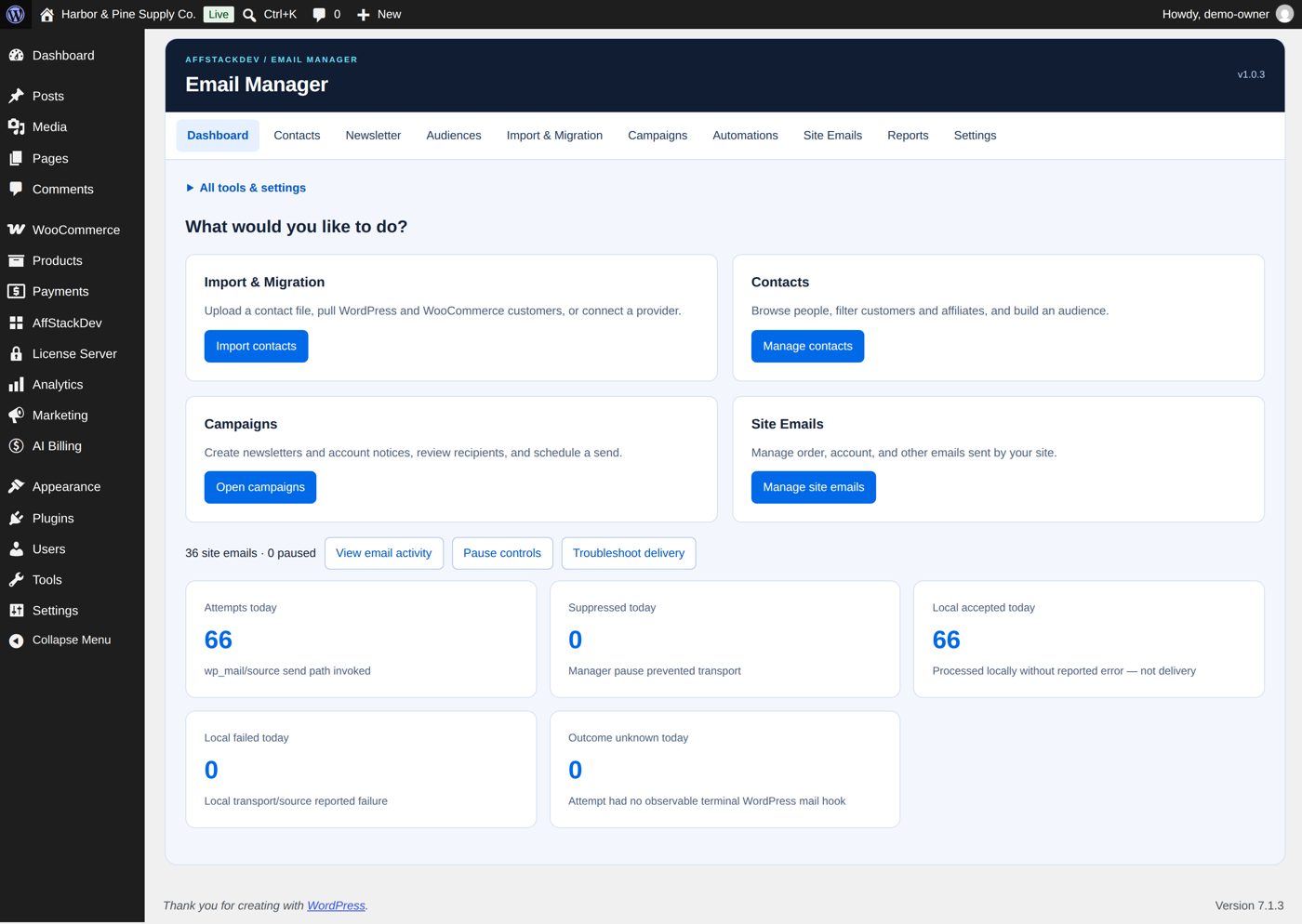
The Email Manager menu, or its tab in the AffStackDev menu with the Suite. Its tasks:
| Task | For |
|---|---|
| Dashboard | The overview and the way into everything else. |
| Contacts | The people you know, with their purchases and activity. |
| Newsletter | Newsletter subscribers, the signup form, email preferences. |
| Audiences | Saved groups of contacts to send to. |
| Import & Migration | Bring contacts in: a file, your own site's customers, another newsletter plugin, Klaviyo. |
| Campaigns | Newsletters and one-off mailings, their templates and sending limits. |
| Automations | Sequences, event emails, abandoned carts. |
| Site Emails | The emails your site already sends. |
| Reports | What was sent, what happened to it. |
| Settings | Providers, diagnostics, license, retention. |
The one rule to know: permission
Email Manager keeps two questions apart for every person:
- May this person get marketing email? That needs their consent (a ticked box, a confirmed signup). A customer record alone is not consent.
- Did this person say stop? An unsubscribe or a block always wins, also over a later tick.
Order confirmations, password resets and other service messages are not marketing and do not need that consent.