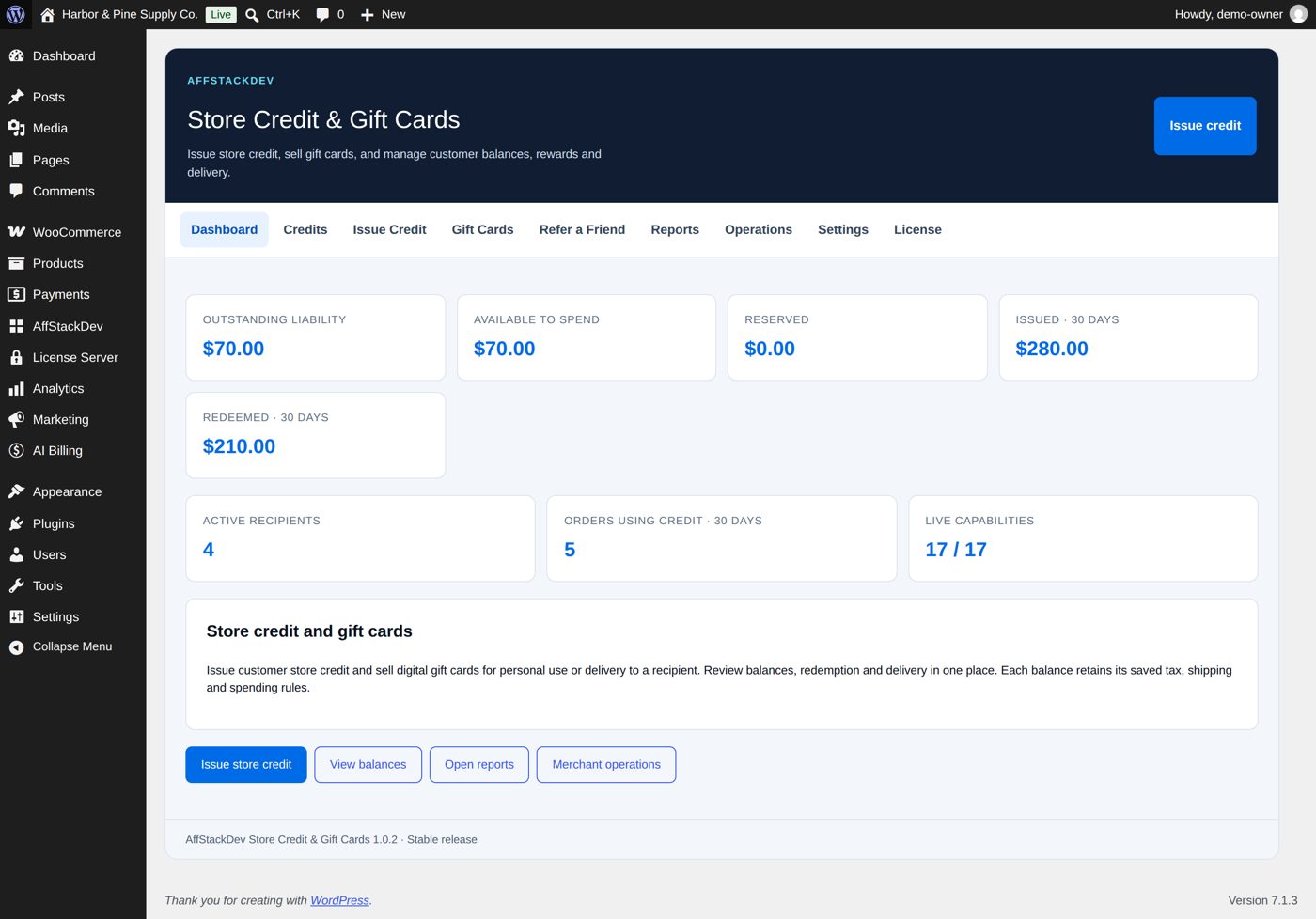
Store Credit & Gift Cards
Give customers credit they can spend in your store, sell gift cards, and reward customers who bring a friend.
What it does
| Part | In one sentence |
|---|---|
| Store credit | Value you give a customer (a goodwill gesture, instead of a refund, a prize) that they spend in your store, in one go or bit by bit. |
| Gift cards | Products you sell, emailed or printed and shipped, with pictures to choose from: the buyer pays, the recipient gets a code, now or on a date. Customers can add money to their cards and print them. |
| Cashback | A share of what customers spend, paid back as store credit after a waiting time you choose. |
| Refer a Friend | A customer shares a link; when the friend makes a first purchase, both get what you promised. |
| Records | Every credit has a history: issued, held for an order, used, given back. Nothing is spent twice. |
Credit is spent inside WooCommerce's normal cart and checkout. It is not cash, cannot be paid out, and does not move between stores. It is kept in your store's currency; with WPML's or FOX's currency switcher customers can also spend it in other currencies (how).
Two balances, three words
A customer can have Store Credit and Gift Cards. They are shown and counted separately.
For every credit you will see three amounts:
| Word | Means |
|---|---|
| Available | Can be spent now. |
| Reserved | Held for an order that is not paid or finished yet. Nobody can spend it meanwhile. |
| Redeemed | Used by a finished order. |
What you need
- WordPress 6.7 or newer, WooCommerce 10.0 or newer, PHP 7.4 or newer.
- A Store Credit & Gift Cards license. A fresh installation has 72 hours to be activated; after that, new credit, new gift card sales and new referrals wait for the license. Credit your customers already have keeps working in any case.
Where it is
The Store Credit & Gift Cards menu, or its tab in the AffStackDev menu with the Suite. Nine sections:
| Section | For |
|---|---|
| Dashboard | What is outstanding, available and reserved right now. |
| Credits | Every credit and gift card: find one, look at its history. |
| Issue Credit | Give credit to a customer. |
| Gift Cards | Create and manage the gift card products you sell. |
| Refer a Friend | The referral program. |
| Reports | Activity over a period. |
| Operations | Lists and bulk work: outstanding value by age, exports, many credits at once from a file. |
| Settings | Preferences (several codes on one order, the printable card in the email, sending balance, cashback), and the guide downloads. |
| License | Activate and check the license. |