The Suite: one place for all of them
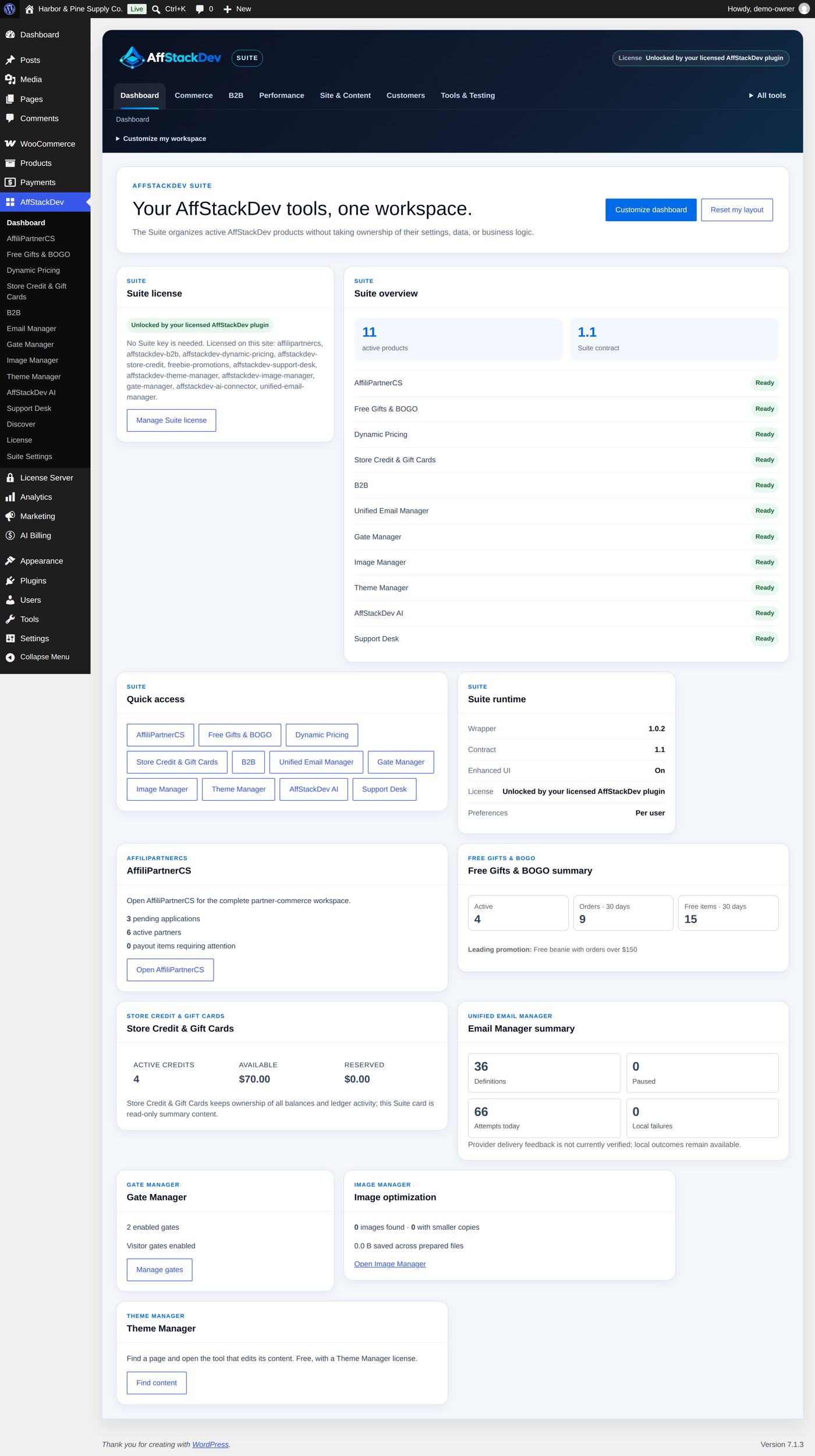
AffStackDev Suite puts every AffStackDev plugin on your site under one menu and one dashboard. It is included and needs no key.
What it is
Without the Suite, each plugin has its own place in the WordPress menu: Gate Manager under Settings, Image Manager under Media, Dynamic Pricing and B2B under WooCommerce, and so on. With the Suite installed there is one AffStackDev menu. It opens a dashboard with a summary card per plugin and a tab for each plugin's own screens.
The Suite only arranges. Every plugin keeps its own settings, its own records and its own license. Removing the Suite changes nothing in them; the plugins go back to their own menu places.
Get it and install it
The Suite is in My Account → Downloads on affstackdev.com with every license you have. Install it like any plugin: Install a plugin. There is no key to enter.
What you can arrange
- Dashboard cards. Move them, change their layout, hide the ones you do not need.
- Tabs. Put the plugins you use most first, and group them into categories of your own.
Your arrangement is yours: another staff member can have a different one. It never changes what a plugin does.
Enhanced or basic
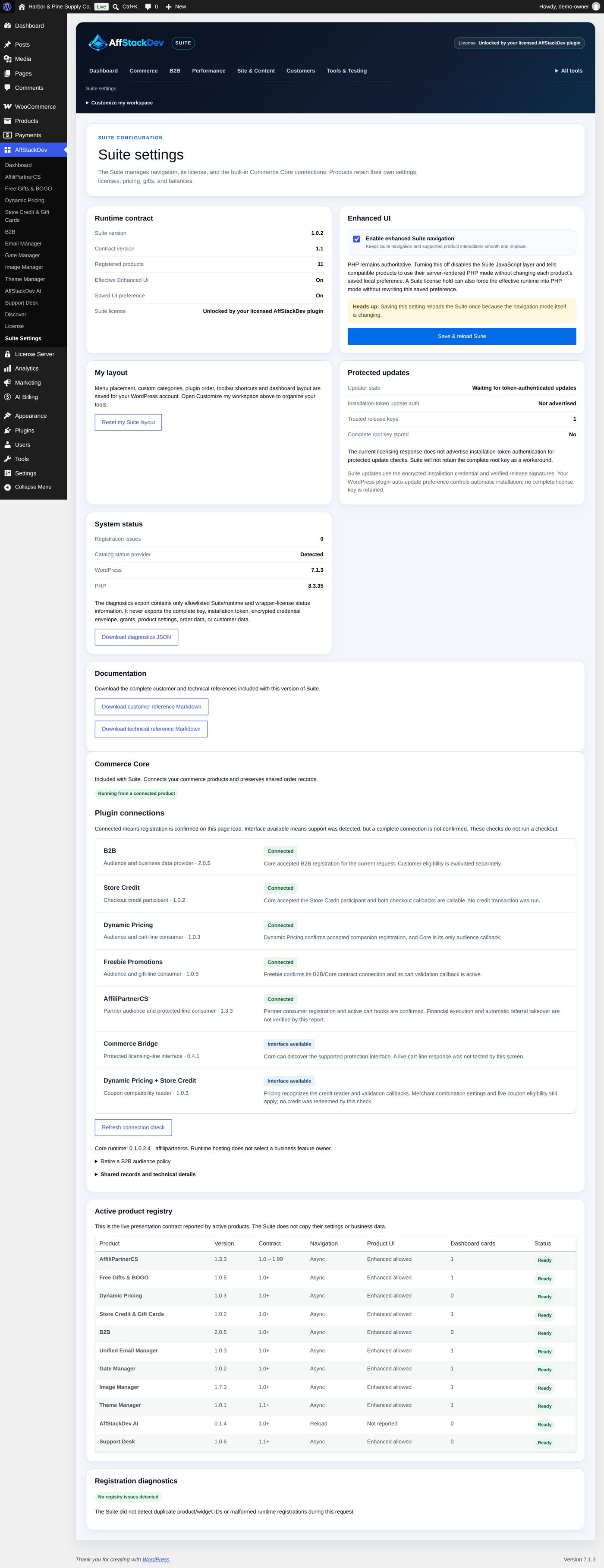
The Suite has two ways of working. Enhanced changes pages without a full reload and lets you drag things. Basic uses ordinary WordPress pages and forms. Enhanced is available while any AffStackDev plugin on the site has an active license; without one the Suite still opens every plugin in the basic way.
In Suite Settings, untick Enable enhanced Suite navigation and select Save & reload Suite to switch the whole Suite to the basic way (PHP mode). That setting wins over each plugin's own preference, without changing it.
On a phone
On a narrow screen the Suite shows a compact selector instead of the row of tabs, and the dashboard cards stack. Each plugin's own screens have their own small-screen layout.
The Suite's own updates
Because the Suite has no key, WordPress does not offer Suite updates by itself. When a new Suite release is announced, download it from My Account → Downloads and upload it over the old one (Install a plugin, "Installing a newer version").