Contacts, signup and consent
Who you may write to, and how they get on (and off) your list: the signup form, the checkout box, imports, audiences.
Contacts
Contacts lists the people your site knows: account holders, customers including guests who ordered, newsletter subscribers. For each you see what they bought, how much, when they were last active. Sort and filter by those facts.
Email Manager reads customers and orders from WordPress and WooCommerce; it does not copy them into accounts of its own.
A newsletter signup form
- Open Newsletter → Signup form settings.
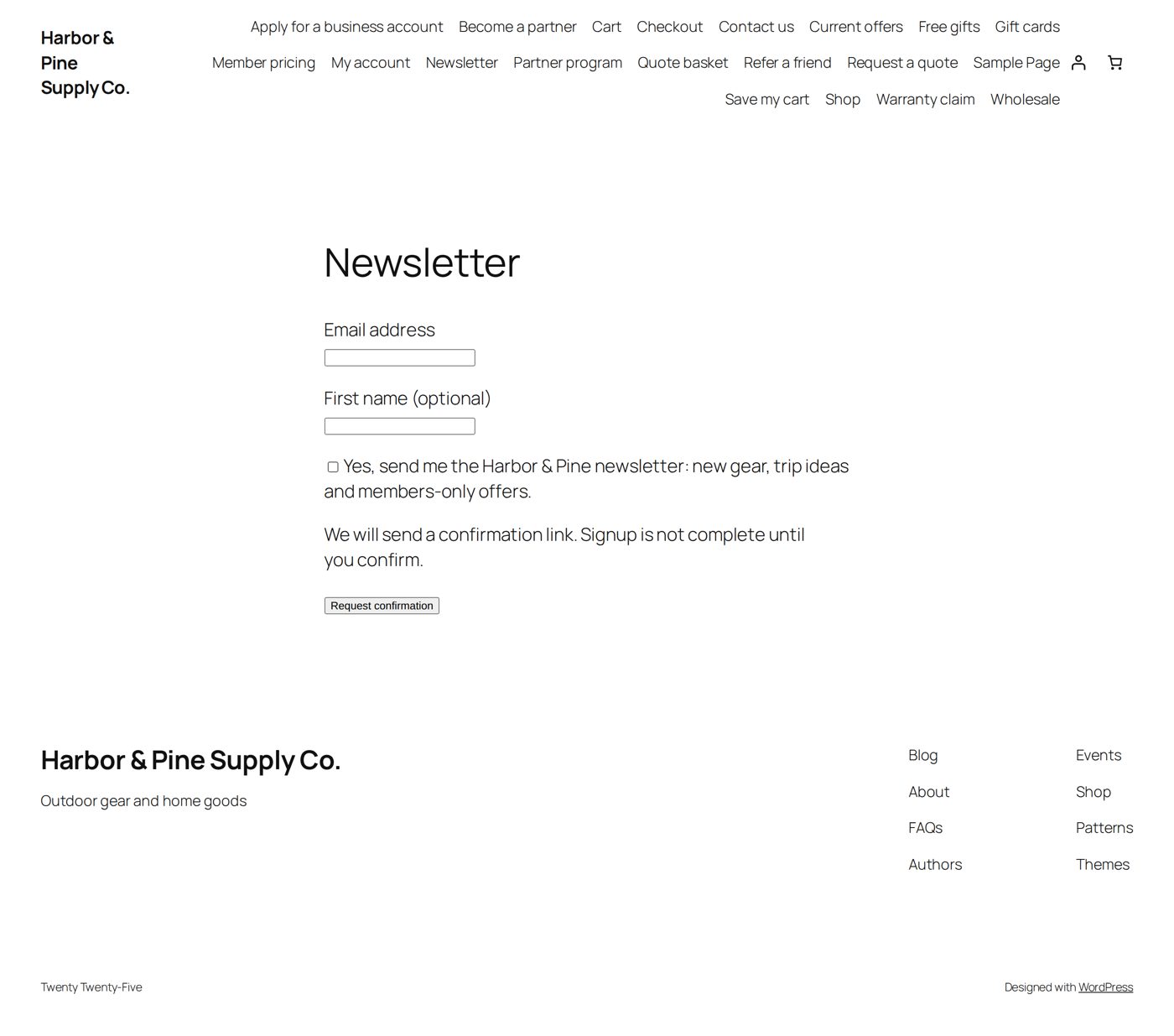
- Tick Enable the newsletter signup form and write the sentence people agree to (the signup statement).
- Put the form on a page with a Shortcode block:
[uem_newsletter_signup]
How it works for the visitor: they enter their email address (and a first name if they like), tick the box themselves, and get an email with a link. Only after they open the link and confirm on your site are they subscribed. The link is valid for 48 hours. This is the "double opt-in" that proves the address is theirs.
A box at checkout
Email Preferences → Checkout opt-in. It starts off. Switch it on and write the sentence next to the box. The box is never ticked in advance. An unticked box changes nothing: it is not an unsubscribe.
Customers can change their choice later in their account, and every marketing email has an unsubscribe link. Unsubscribing keeps working even when your license needs attention.
Bring contacts in
Import & Migration has four ways:
| Way | Use it for |
|---|---|
| Pull contacts from this site | Your existing customers and users. |
| Upload a file | A list from another system, as a CSV or TSV file (up to 10,000 contacts and 10 MB). You map its columns. |
| An installed newsletter plugin | Subscribers another plugin on this site collected. |
| Klaviyo | Profiles, permissions and lists from a Klaviyo account (up to 100,000 profiles). |
Audiences
An audience is a saved group you can send to: Everyone, Paid purchasers, Repeat buyers, People with accounts, or one you build yourself (by number of orders, amount spent, products or categories bought, how long since the last purchase).
An audience says who is relevant. Whether each person may receive is checked separately, at the moment of sending: no consent or an unsubscribe, and they are skipped.
Do not write too often
Campaigns → sending limits has a frequency limit: at most so many marketing emails per person (1 to 20) within a number of days (1 to 30). It counts newsletters, marketing follow-ups, promotional event emails and cart reminders together. Order emails and other service messages are not counted. Set it to 0 to switch it off.
Removing someone
- They unsubscribe: nothing to do. They get no more marketing email.
- You stop writing to an address: suppress it. That is stronger than their consent and stays until you lift it on purpose.
- A privacy request: WordPress's own "Export personal data" and "Erase personal data" tools include Email Manager's records, also the opens and clicks it counted. After an erasure the address stays blocked, so that deleting someone can never turn into writing to them again.